
Windows Users Gain Granular VPN Controls
ProtonVPN and NordVPN have enabled app-level split tunneling on their desktop clients, allowing users to bypass encryption for specific programs.
By Sarah Montgomery ·
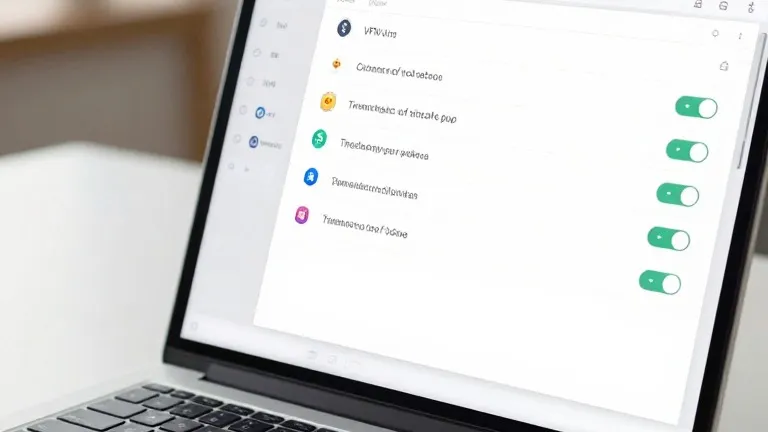
ProtonVPN and NordVPN have added app-level split tunneling to their Windows clients, giving users the ability to exclude specific applications from encrypted traffic. This feature, available in the latest versions of both apps, allows data from chosen programs to connect directly to the internet while other traffic remains protected by the virtual private network.
Split tunneling addresses a common trade-off in using VPNs: speed. While encryption can foil trackers and hide browsing activity from internet providers, it often reduces connection speeds. By keeping latency-sensitive applications outside the tunnel, users can maintain faster connections for gaming or local streaming without sacrificing security for other tasks.
The most common implementation is app-based routing. In ProtonVPN for Windows, the option appears on the right side of the main console, next to settings for kill switches and port forwarding. Users can choose to include specific apps in the tunnel or exclude them, with the default setting applying to all other programs. NordVPN offers a similar interface, where users click the cog icon in the bottom left of the window, select split tunneling, and flip the toggle to enable the feature before choosing which apps receive protection.
Beyond app-based controls, some services offer URL-based or route-based split tunneling. These methods allow rules to be set by domain name or IP address, though they are less common in consumer software. Mobile devices follow a similar logic, though iPhones typically limit users to excluding websites and IP addresses rather than individual apps, unlike Android devices and desktop platforms.
For most users, configuring this feature is a one-time task. Once set, the system routes traffic automatically based on the selected rules. Users can revisit the settings to adjust which applications are covered, but the feature generally does not require ongoing manual intervention.
Both companies noted that this level of control is particularly useful for balancing security and performance. By letting users decide which traffic bypasses the encrypted bridge, the update reduces the need to constantly toggle the VPN on and off for different activities.